
To upgrade installed AppExchange apps to their latest version, follow these steps:
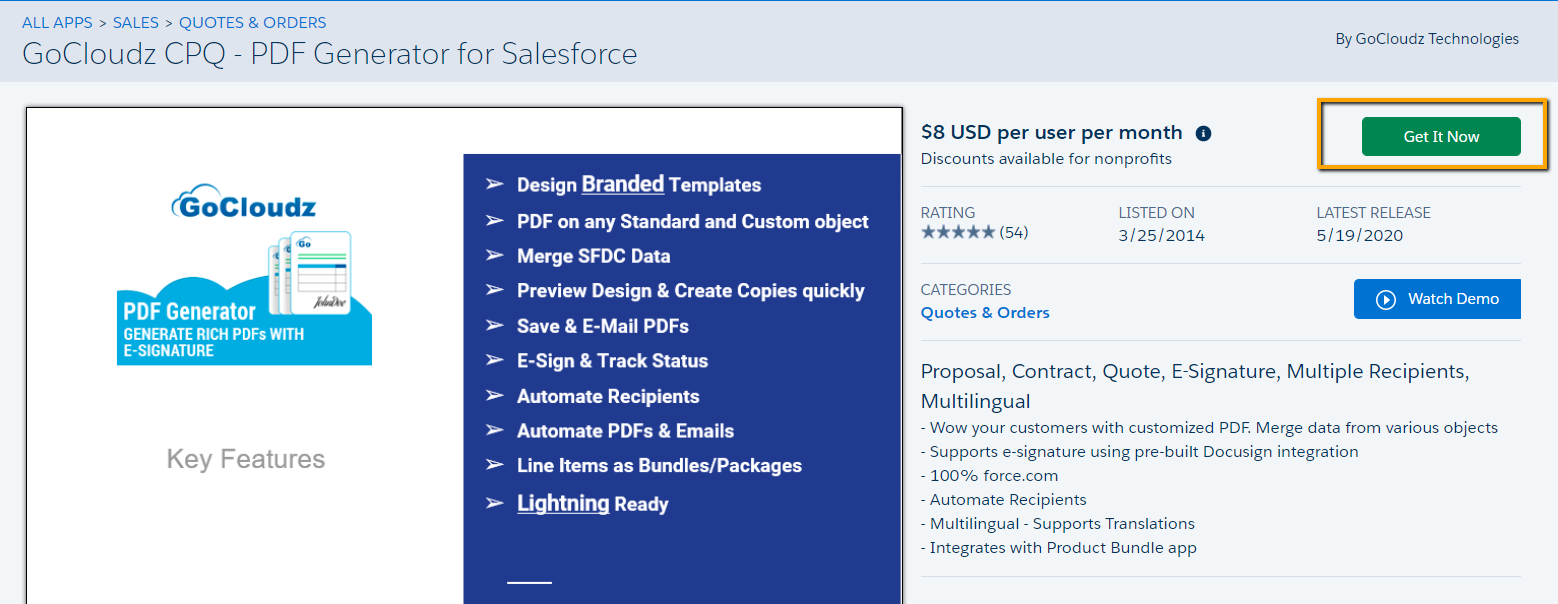
1. Click the Get It Now button on the app’s AppExchange listing.
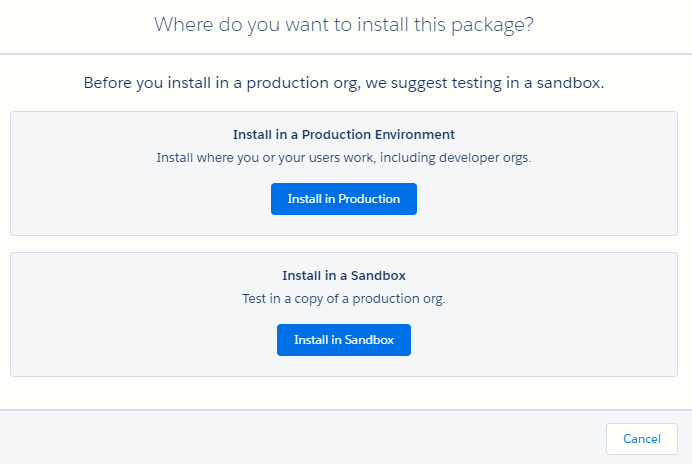
2. Choose whether to install in your production org or a sandbox.
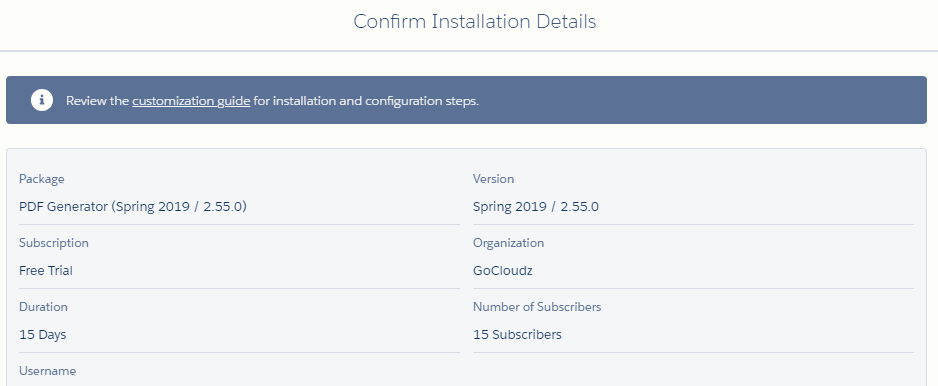
3. The next screen asks you to confirm and shows a 15-day free trial. This is the standard screen for both new installations and upgrades. The step after that asks you to confirm the upgrade.
4. After you confirm, log in with your Salesforce org credentials.
5. Because the app is already installed, you’ll see an upgrade message. Select Install for All Users so that the required profile permissions are assigned. (Note: You can control access to the app through license management.)
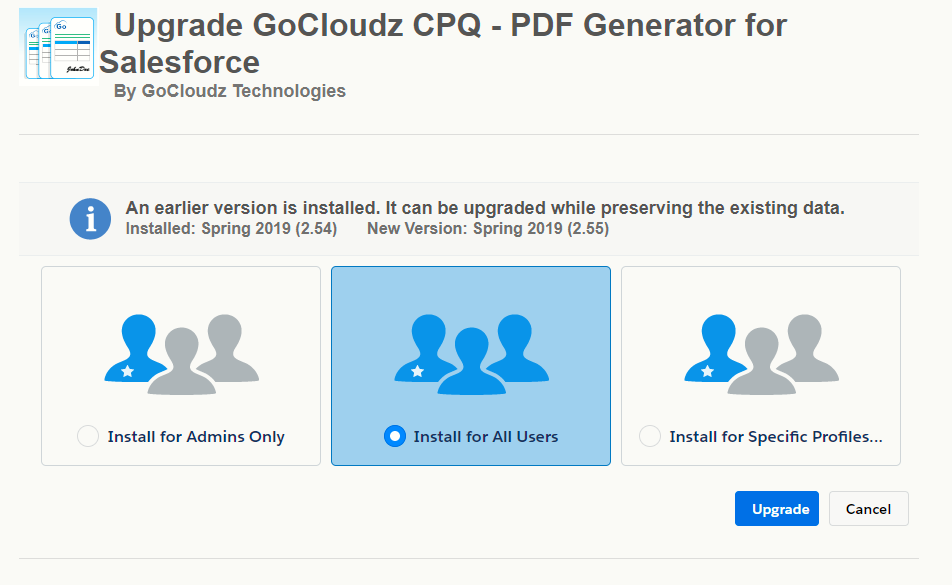
6. Click Upgrade to start the upgrade process.