
Distributors and value-added resellers juggle large catalogs, multiple price books, several currencies, and different terms for partners, enterprise buyers, and public sector customers. Keeping bundled offers consistent across all of them is hard to do by hand. Product bundles for distributors solve this: define each offer once and reuse it across every price book, currency, and channel.
GoCloudz Product Bundle gives channel and distribution teams a structured way to manage bundles at scale, right inside Salesforce.
Product Bundles for Distributors: One Offer, Every Price Book
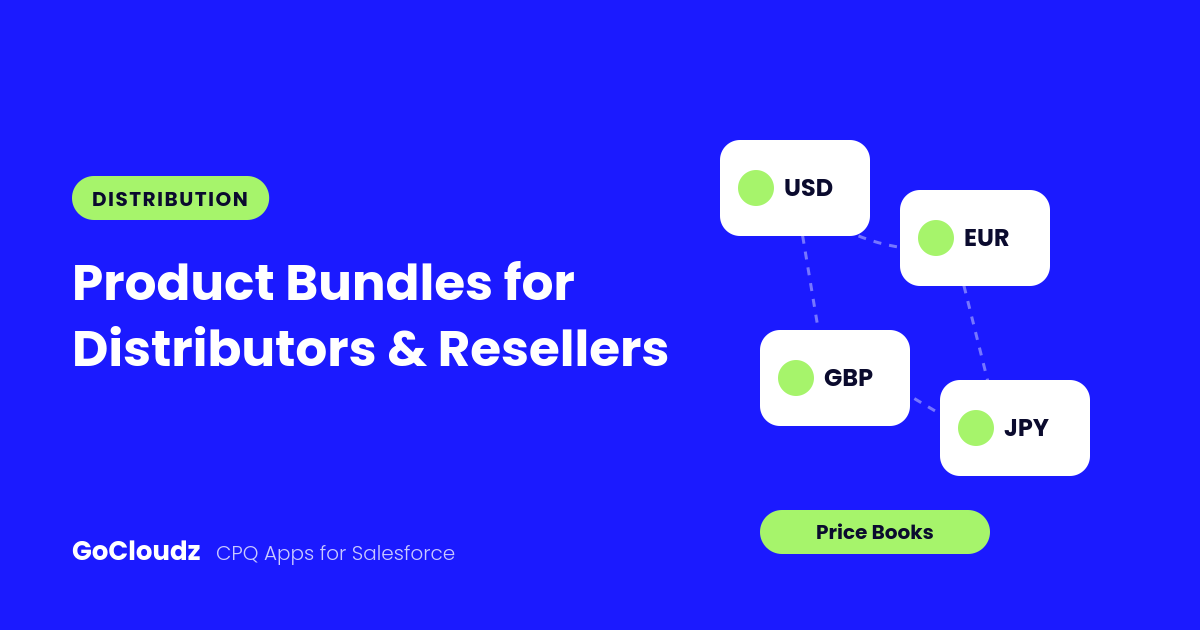
Each bundle belongs to one Price Book and, in multi-currency orgs, one currency. To launch the same offer elsewhere, use Clone: select the new Price Book or currency, and the app updates list prices from the matching Price Book Entries. You can also clone a bundle for a different Segment, or as a variation with different items or quantities.
Different Terms for Different Channels
Use Segmentation to control which bundles and volume pricing each deal can use. Define Segment values such as Partner, Enterprise, or Public Sector. An Opportunity can belong to several segments, and reps automatically see the matching bundles and pricing rules, plus any that are unrestricted.
Volume Pricing and Attribute Pricing rules can also be limited to specific Accounts, Price Books, and currencies, so key accounts get their negotiated pricing automatically.
Load Product Bundles and Large Catalogs in Bulk
Because Product Bundle is native to Salesforce, admins can create bundles and bundle items with Data Loader. The process takes four steps:
- Export your active Products and Price Book Entries.
- Import the bundle headers in Draft status.
- Import the bundle items using the IDs from the first two steps.
- Validate the bundles, then approve them.
Volume Pricing and Attribute Pricing records can be mass loaded the same way.
Keep Discontinued Items off Quotes
Add a checkbox or formula field named GoCloudz_Product_Filter__c to the Product object to exclude items, such as end-of-life Products, from search results. When vendors change their lineup, use Replace or End of Life to update every affected bundle in one pass, and Refresh to apply new list prices and costs.
Control Who Can Change Prices
Global Settings decide whether reps can edit bundle pricing, bundle quantities, and standalone Product pricing. You set the organization-wide default, then override it by profile or user. For example, sales managers can adjust bundle prices while reps cannot.
Approvals and Multilingual Teams
Bundles move through Draft, In Review, Approved, and Rejected statuses, which fit neatly into a standard Salesforce approval process. For international teams, the app’s interface text uses Custom Labels and Translation Workbench, so users can work in their own language.
Ready to scale your bundled offers? Learn more about Product Bundle or start a free trial on AppExchange.