
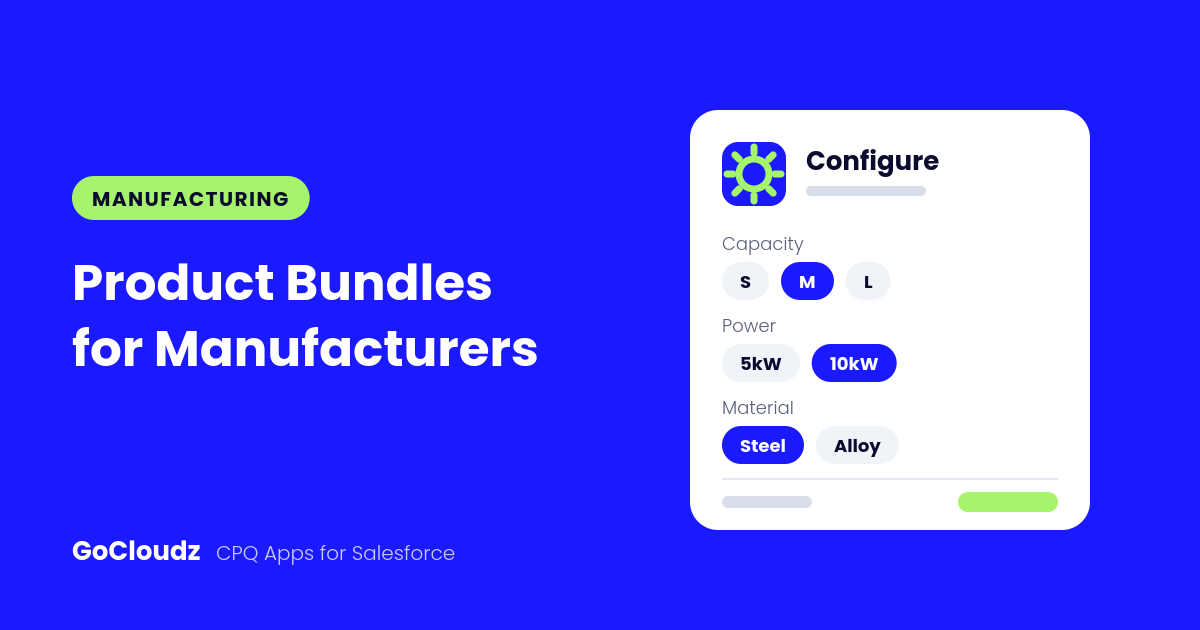
Manufacturers sell products that come in many configurations: a machine with different capacities, power ratings, and materials, plus the accessories, spare parts, and service plans that go with it. Building those quotes line by line in Salesforce is slow, and one missing component can mean a costly change order later. Manufacturing product bundles in Salesforce let reps quote the complete configuration in one step.
GoCloudz Product Bundle helps manufacturing sales teams package equipment once, price it by configuration, and keep every quote complete and current.
Turn Equipment Kits into Manufacturing Product Bundles
Package a base unit with its standard components, accessories, and service options as a bundle. Mark essential components as Required so reps can’t remove them, and nest optional packages, such as an installation or maintenance kit, as child bundles.
Use the bundle’s Start Date and End Date for limited-time promotions, and its Short Description to tell reps when the bundle is the right fit.
Price Manufacturing Product Bundles by Configuration
Attribute Pricing lets you keep one base Product and adjust its Sales Price, Discount, or Margin based on the options a rep selects, such as capacity, power output, material, or configuration. You don’t need a separate Product for every combination.
A rule can require several conditions at once, and you can create customer-specific rules for key accounts. Product- and Account-specific rules take priority over your general fallback pricing.
Prevent Incomplete or Invalid Orders
Assign a Category to each bundle item, then use Bundle Rules to set the minimum and maximum selections per category. For example, require exactly one motor option and allow up to two accessory packs. If a rep’s selection breaks a rule, the app highlights the category and shows your instructions for fixing it.
Field Dependency keeps the configuration screen relevant. Hide a field such as Subscription Duration for hardware Products, or make a field read-only for specific Products or bundles.
Reward Volume Orders
Volume Pricing applies Bulk or Tiered pricing automatically as quantities change. Pricing ranges can be limited to specific Price Books, Accounts, or Segments, such as distributors or OEM partners.
Keep Manufacturing Product Bundles Current
Product lines evolve. The Manage Bundle Items tool updates a Product across many bundles at once:
- Refresh updates bundle items with the latest list price, cost, and description.
- Replace swaps an old Product for a new one while keeping quantity, sort order, discount, and other settings.
- End of Life keeps the retired Product visible for history and adds its replacement.
Carry Product Details onto the Quote
With Field Mapping, values stored on bundle items or Products, such as a default specification, are copied to the Opportunity Product when the bundle is added. Reps can still adjust them when the field is editable.
Present a Professional Quote
Pair Product Bundle with the GoCloudz PDF Generator to send branded quotes that show a bundle summary, group items, and hide component pricing when you prefer.
Ready to speed up equipment quoting? Learn more about Product Bundle or start a free trial on AppExchange.